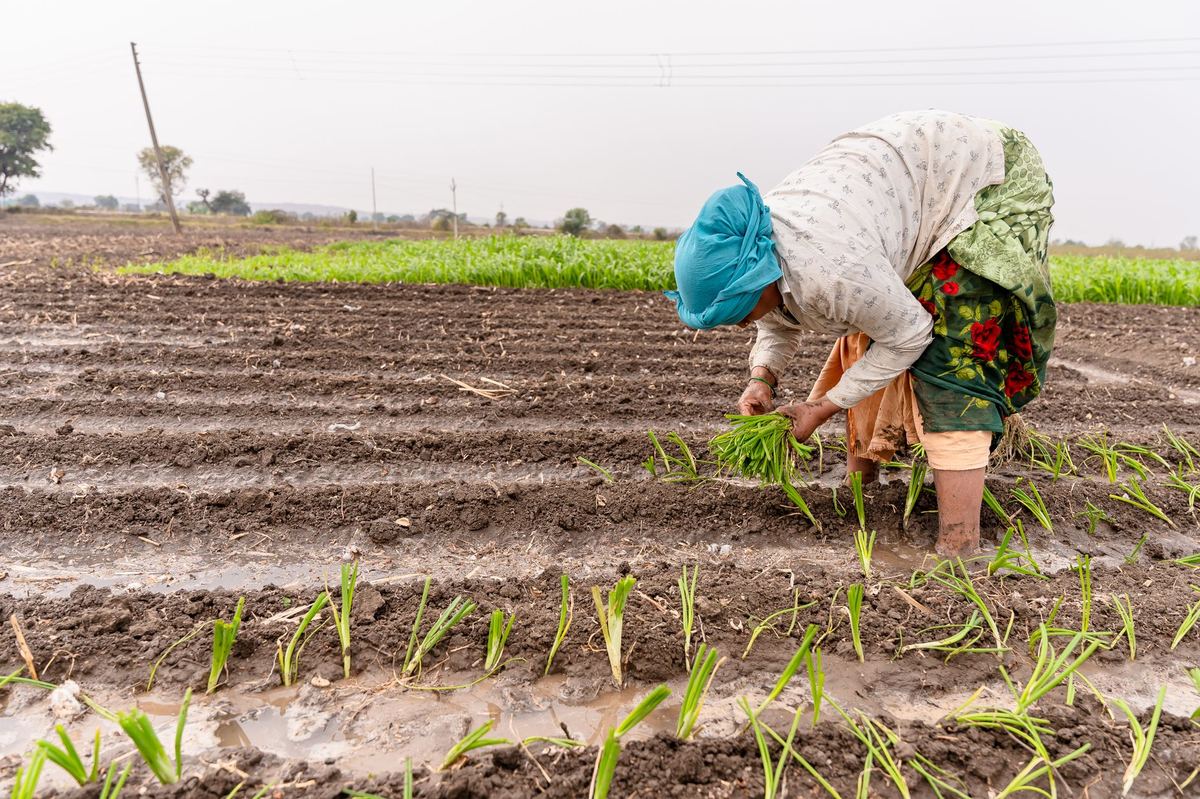
Farmer records change after registration: land is added, crops change, mobile numbers change, and farmers join or leave. This episode sets out how to handle each kind of change on the PGS-India portal without breaking the farmer's history.
The short version
- Edit the existing record; never delete and register again.
- Land changes must stay within 2 hectares per farmer under PKVY.
- A new farmer joins an existing group and is appraised in its next season.
- A farmer who leaves is removed from the group, and the group must keep at least 5 members.
Updating an Existing Farmer
Correct land, crop and contact details on the existing record, using the land record and Aadhaar card as proof.
| Change | Proof to keep | Watch out for |
|---|---|---|
| Land added or removed | Updated land record | Plots must not add up to more than the land held; 2 hectares per farmer under PKVY |
| New crop this season | Group's crop plan | The crop must be appraised before it can be certified |
| Mobile number | Farmer's request | The new number is where OTPs go |
| Name correction | Aadhaar card | The name must match Aadhaar exactly |
The exact portal menu names may change. If an edit option is missing, ask your Regional Council before deleting anything.
Adding a New Farmer
Add the farmer to an existing approved group, with full identity, land and farm history, and include them in the next appraisal.
- Check they are not registered already.Search by Aadhaar number first (see episode 5).
- Collect the registration details.Aadhaar, mobile, bank account, land record, GPS location and farm history sheet.
- Add them to the group.The farmer signs the group pledge and agreement.
- Appraise them.The new member is appraised in the group's next season.
Illustrative workload. At about 15 minutes per new farmer to collect, enter and check details, 50 new farmers take about 12.5 hours.
When a Farmer Leaves
Record the reason and date, remove the farmer from the active group, and check the group still has at least 5 members.
- Record why and when the farmer left, in writing.
- Remove the farmer from the group's active list so they are not included in the next certification decision.
- Check the group still has at least 5 members. Below 5, the remaining farmers lose group status.
- If the farmer is moving to another group, move the record instead of removing it (Regional Council guide, episode 3).
Keeping Records Ready for Audit
Check a sample of records against paper every quarter, and keep a log of every change.
- Every quarter, check a sample of farmer records against land records and field forms.
- Correct errors as soon as they are found, not at the end of the year.
- Keep a change log: what changed, from what, to what, when, and why.
A farmer's approval under PGS-India does not need renewing every year. What renews is certification, through the group's yearly peer appraisal (episode 17).
Check yourself
Tap an answer to see whether you are right, and why.
A farmer's land record now shows a larger area. Under PKVY, what must you check?
- Nothing
- That the farmer stays within 2 hectares
- That the cluster is exactly 50 farmers
PKVY support has a 2-hectare limit per farmer.
A group of 5 loses a member. What happens?
- Nothing
- It falls below 5 and loses group status
- The RC must appoint a new member
A group needs at least 5 members.
Remember these things
- Edit records; never register again.
- Keep proof for every change.
- Appraise new members in the next season.
- Log every change.
Well-kept farmer records make audits and certification straightforward. KrushiFlow validates these fields and submits farmer records to the portal in bulk.