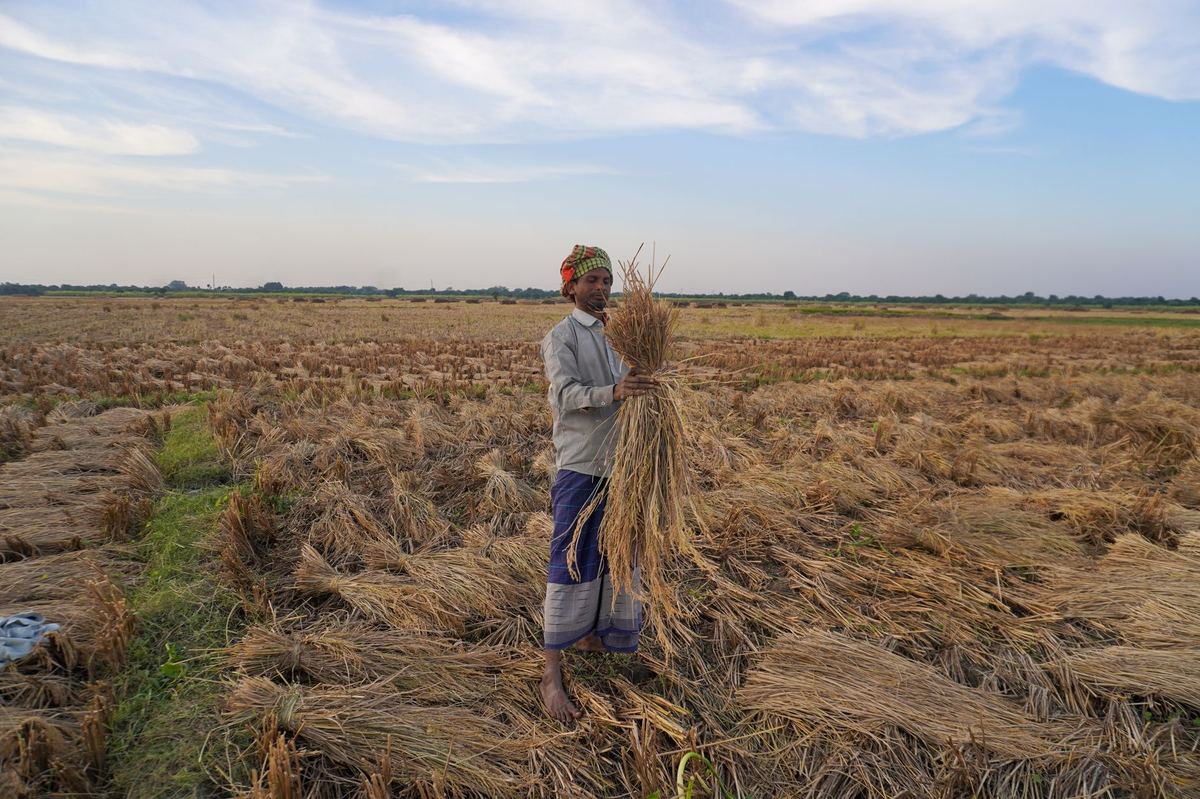
A transaction certificate (TC) cannot be larger than the approved stock left on record. When a sale is refused for that reason, the fix is to correct the actual yield record with evidence, not to type a bigger number. This episode explains the rule and the steps.
The short version
- The group uploads actual yields after harvest; the RC approves them within 15 days.
- TCs are generated by the group against the approved stock.
- A sale larger than the stock is refused.
- Correct the yield only with evidence of the real harvest.
How the Stock Is Built
Actual yields uploaded by the group and approved by the RC form the stock that TCs draw from.
- Scope certificate.Issued with the estimated yields approved during appraisal.
- Actual yields.Uploaded by the group within 60 days of harvest.
- RC approval.Within 15 days of upload.
- TCs.Generated by the group online, per farmer, in one go or in small lots, against the approved stock.
Why the Sale Is Refused
The quantity on the TC is more than the approved stock left for that farmer and crop.
- Actual yields were uploaded lower than the real harvest.
- Yields for some farmers were never uploaded or approved.
- Earlier TCs have already used up the stock.
- The sale is for a crop that was not appraised.
Unsold stock with no TC is deleted automatically 12 months after the harvest date.
Correcting the Yield Record
Check the real harvest against records, correct the yield with evidence, and wait for RC approval.
- Find the gap.Compare the TC quantity with each farmer's approved yield and earlier TCs.
- Check the evidence.Harvest records, weighing slips and the yield estimate from appraisal.
- Correct the actual yield.Only where the evidence shows a higher real harvest.
- RC approval, then the TC.Once approved, the group generates the TC.
Illustrative workload. At about 5 minutes per farmer to check yields, areas and notes, 2,000 farmers take about 167 hours at harvest.
Portal screens and messages change from time to time. If an option described here is missing, ask your Regional Council, or the PGS-India Secretariat at the National Centre for Organic and Natural Farming.
Check yourself
Tap an answer to see whether you are right, and why.
Who generates a PGS-India transaction certificate?
- The Regional Council
- The Local Group, after the RC approves yields
- The buyer
The RC's part is approving actual yields.
The buyer wants more than the approved stock. What is the right step?
- Type a bigger yield
- Correct the yield only if evidence shows a higher real harvest
- Issue the TC anyway
A TC must never cover produce that does not exist on the record.
Remember these things
- Yields uploaded, then approved.
- TCs draw on approved stock.
- Correct yields only with evidence.
- Unsold stock lapses after 12 months.
Accurate yield records keep every sale backed by a valid certificate. KrushiFlow validates these fields and submits farmer records to the portal in bulk.