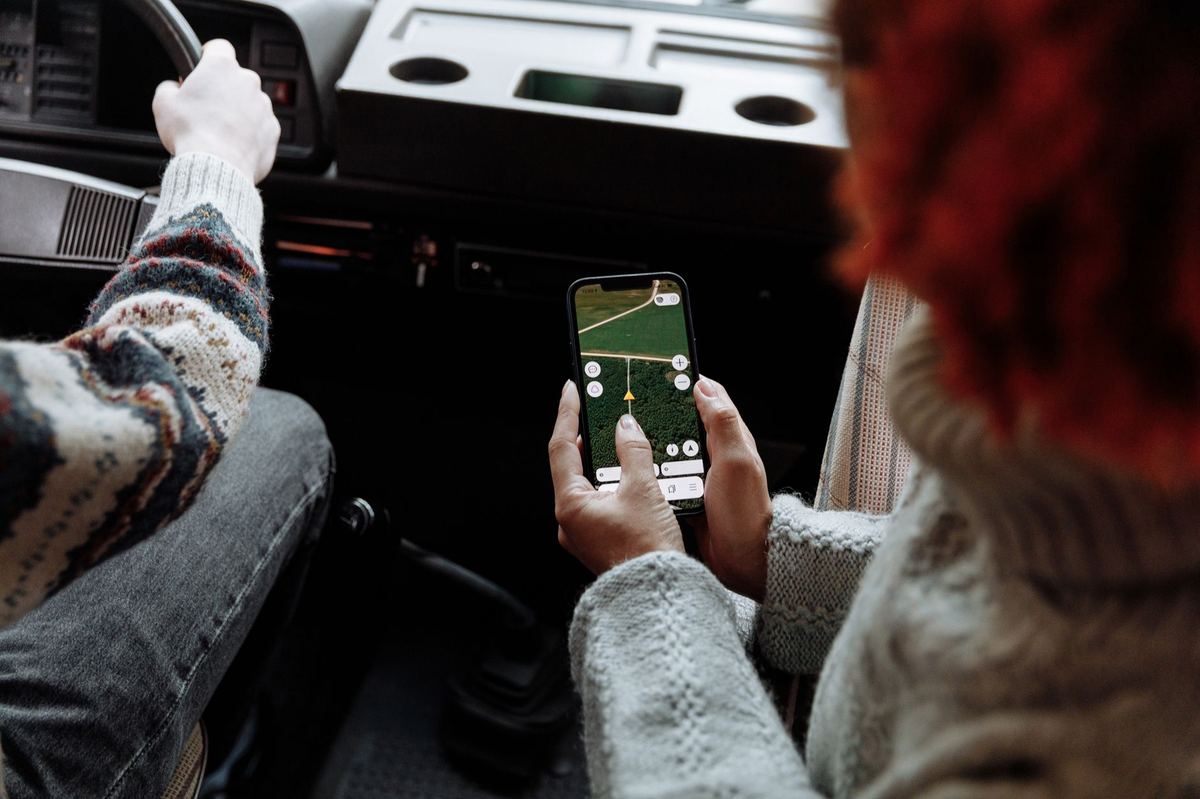
Field staff and appraisers who record data on a mobile phone face three common problems: offline records that do not upload, locations that are not captured, and the app closing unexpectedly. This episode sets out safe fixes for each, without losing unsent records.
The short version
- Clear the cache, never the app's data: clearing data deletes unsent records.
- Switch on high-accuracy location and take readings in the open field.
- Keep the app up to date, from the official source only.
- If the group is inactive, uploads will fail until the RC acts.
Offline Records That Will Not Upload
Get a stable connection, clear only the cache, and sync again; never clear the app's data.
- Get a stable connection.Mobile data or Wi-Fi with a good signal.
- Clear the cache only.In the phone's app settings. Do not choose 'clear data'.
- Sync manually.Open the app and use its sync option.
- Wait and retry.If the server does not respond, wait before trying again rather than retrying repeatedly.
Clear the cache only, never the app's data. Clearing data deletes records that have not been sent, and those appraisals would have to be done again.
Location and Photo Problems
Allow location and camera permissions, use high accuracy, and stand in the open.
- Allow the app to use location and camera.
- Switch on high-accuracy location.
- Stand in the open field, away from buildings and tall trees, and wait for the reading to settle.
- If photos fail to upload, lower the camera resolution and try again.
App Closing or Behaving Oddly
Update from the official source, remove copies from other sources, and restart the phone.
- Install updates only from the official app store listing.
- Remove any copy installed from another source.
- Restart the phone before field work.
- If the group is inactive or suspended, uploads fail until the RC resolves its status (episode 1).
Illustrative workload. About 15 minutes per device; supporting 150 field staff takes nearly 38 hours a season.
Portal screens and messages change from time to time. If an option described here is missing, ask your Regional Council, or the PGS-India Secretariat at the National Centre for Organic and Natural Farming.
Check yourself
Tap an answer to see whether you are right, and why.
Offline records will not sync. What must you never do?
- Clear the cache
- Clear the app's data
- Check the connection
Clearing data deletes unsent records.
Where should app updates come from?
- Any website
- The official app store listing
- A friend's phone
Copies from other sources cause problems.
Remember these things
- Cache yes, data never.
- High-accuracy location, in the open.
- Official updates only.
- Check the group is active.
A few safe habits keep field data flowing to the portal. KrushiFlow validates these fields and submits farmer records to the portal in bulk.