Tracenet will not issue a transaction certificate for more stock than your ledger shows. When the digital ledger and the physical stock disagree, the TC is blocked. This episode covers the three usual causes: missing inputs, processing yields that differ from the recorded ratio, and unrecorded losses.
The short version
- A TC cannot exceed the approved stock on Tracenet.
- Check that incoming TCs are approved and old drafts are not holding stock.
- Real processing yields differ? Ask your CB to approve a ratio with evidence.
- Record moisture loss and wastage for every batch.
Resolving the Insufficient Raw Material Balance Error
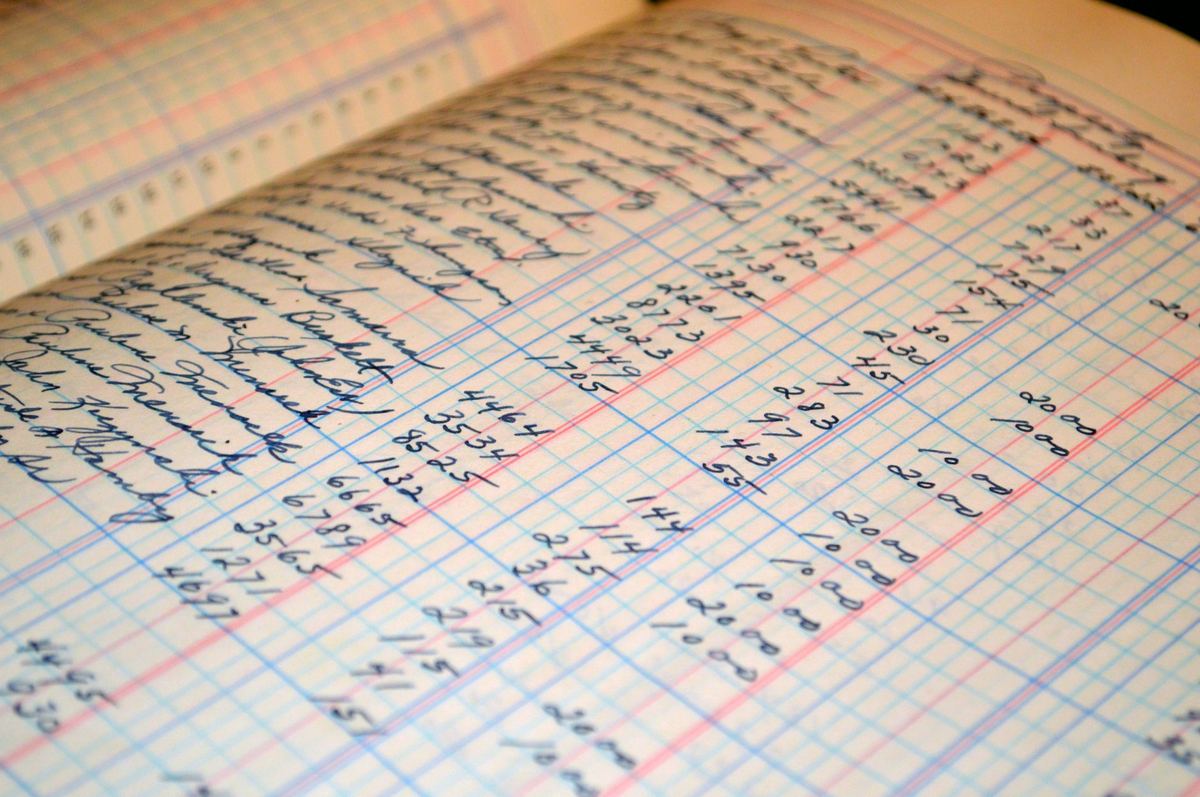
Reconcile the ledger with physical stock: approved incoming TCs, and no old drafts holding stock.
The most common hurdle in Tracenet is an apeda tracenet tc error during the draft stage. The screen displays an error indicating insufficient raw material balance.
This happens when you try to generate a TC for a quantity that exceeds your digital stock ledger. The system checks your available stock before letting you proceed.
This error stops your shipment from moving forward. It usually happens because previous stock inputs or transactions were not entered correctly. To resolve this apeda transaction certificate rejection risk, you must audit your digital ledger manually.
Follow these steps to reconcile your raw material balance in Tracenet:
- Log into the APEDA Tracenet portal with your corporate credentials.
- Navigate to the stock ledger section and generate the product balance report for the specific batch.
- Compare the digital balance with your physical warehouse stock records.
- Check if all incoming purchase TCs from your suppliers have been approved on the portal.
- Verify that no duplicate draft TCs are holding your stock in a reserved status.
- Delete any old or unused draft TCs that are locking up your available raw material balance.
Records must trace every kilogram, and the mass balance must close. An unexplained excess or shortfall is a finding at your Certification Body's inspection.
Aligning Physical Weights with Tracenet Yield Conversion Ratios
Where real yields differ from the recorded ratio, document several batches and ask your CB to approve a new ratio.
Another major block occurs during processing. Raw agricultural products lose weight when processed into finished goods.
Tracenet uses default yield conversion ratios to calculate the expected output. If your physical processed weight does not align with these default ratios, you will face a tracenet mass balance calculation block.
For example, if you process organic oilseeds, the actual oil extraction yield might be lower or higher than the portal's default. If your physical yield is higher, the system will not allow you to enter the actual processed weight.
It assumes you are adding conventional product. If it is lower, you are left with ghost stock that creates an organic export stock ledger mismatch.
To fix this mismatch and clear your export consignment, you must apply for a custom conversion ratio:
- Document your actual processing yield over at least three consecutive production batches.
- Prepare a technical flow chart showing the input, processing steps, output, and by-products.
- Submit a formal request to your Control Body to update the conversion ratio in your Tracenet profile.
- Provide laboratory test reports or processing logs to support your custom ratio claim.
- Once the Control Body approves the custom ratio on Tracenet, re-enter your processing data.
Logging Processing Wastage and Moisture Loss for CB Audits
Weigh and record moisture loss and wastage for every batch, and keep the signed logs.
To pass a Control Body audit, your physical logs must account for every gram of raw material. Moisture loss, cleaning dust, and processing damage are normal. However, if you do not log these details in Tracenet, you get an npop stock balance mismatch fix requirement during your annual or transaction audit.
Many exporters do not know how to log these write-offs. This results in an artificial accumulation of raw materials in the digital ledger.
The audit team will flag this as a major non-conformity. They may suspend your organic status if they suspect conventional mixing.
Calculating moisture loss and inputting wastage logs manually takes about 15 minutes per batch. For 10 shipments a month, this is manageable.
For 100 shipments across multiple processors, it requires 25 hours of manual data entry every month. This repetitive work increases the risk of typing errors.
To manually record your wastage and moisture loss in Tracenet, use the following procedure:
- Weigh the raw material before processing begins and record the initial moisture percentage.
- Weigh the final processed product and measure its final moisture content.
- Calculate the exact moisture loss percentage and the physical trash or wastage weight.
- Go to the processing entry section of the Tracenet portal.
- Input the wastage quantity in the designated waste recovery fields during the processing command execution.
- Keep physical signed copies of the processing logs ready for your Control Body inspector to verify.
Check yourself
Tap an answer to see whether you are right, and why.
A TC is blocked for insufficient balance. What should you check first?
- The buyer's address
- That incoming TCs are approved and no old drafts hold stock
- The weather
Unapproved inputs and stale drafts are the usual causes.
Your real oil yield is higher than the recorded ratio. What do you do?
- Enter the higher figure anyway
- Document several batches and ask the CB to approve a new ratio
- Ignore it
Unexplained extra output looks like mixing.
Remember these things
- The ledger must match the stock.
- Approve inputs; clear old drafts.
- Evidence for yield ratios.
- Record every loss.
A ledger that closes every batch keeps TCs flowing; see also records and mass balance. KrushiFlow validates these fields and submits farmer records to the portal in bulk.