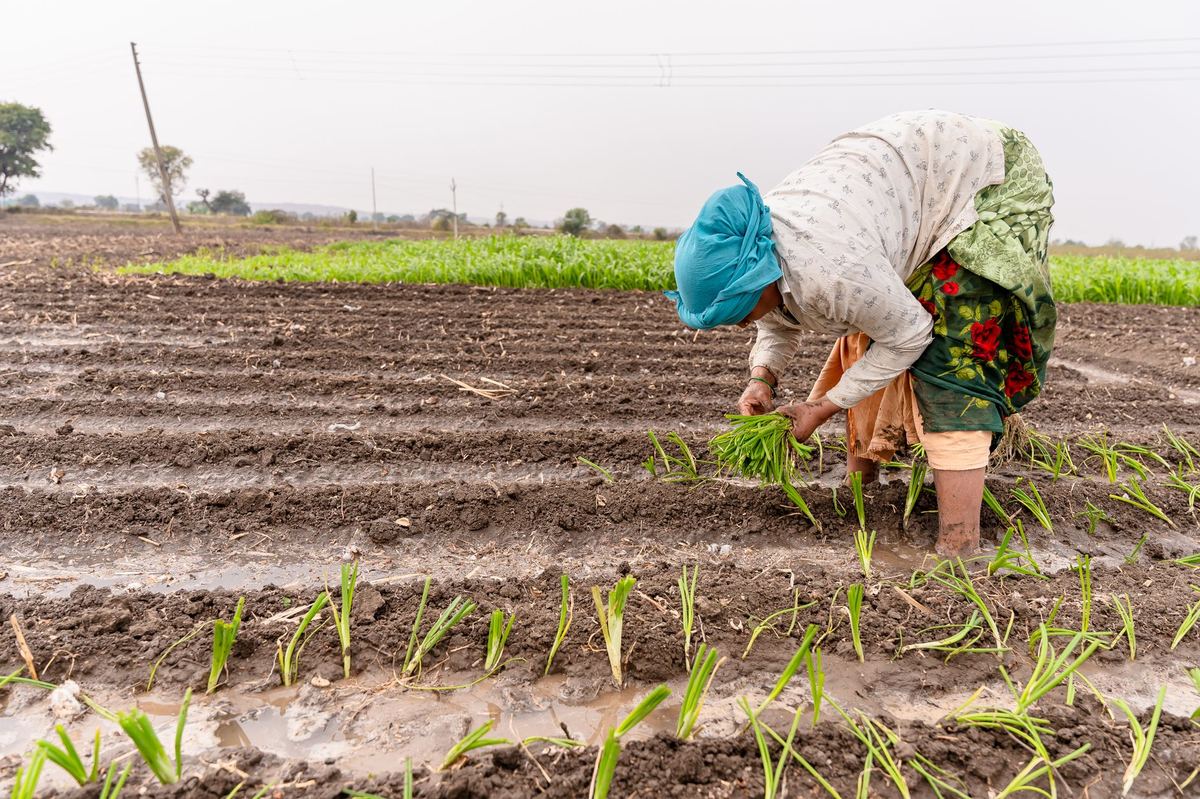
Every member of an NPOP grower group must be recorded with the same set of details, and the same details are displayed at the ICS office and checked by the Certification Body. This episode lists the details NPOP asks for, how to prepare them, and how to check them before they reach Tracenet.
The short version
- NPOP lists the farmer details: name with father's or husband's name, location, area, crops, status.
- Prepare all farmers in one sheet before any portal entry.
- Check names against Aadhaar and land records, and locations on a map.
- Ask your Certification Body which fields you enter on Tracenet.
The Details NPOP Asks For
Name with father's or husband's name, address, geo-location, area, crops and organic status for every member.
| Farmer detail | Where NPOP asks for it |
|---|---|
| Name, and father's or husband's name | 5.5 (xii), 5.8 |
| Address with pin code | 5.8 |
| Geo-location of the farm | 5.5 (xii) |
| Area of the farm | 5.5 (xii) |
| Crops grown | 5.5 (xii), 5.8 |
| Organic status | 5.8 |
| Unique farmer ID from the Ministry of Agriculture and Farmers Welfare | 5.5 (xii), once the ID system is operational |
Preparing the Data
Build one master sheet from field forms, with the same columns and units for every farmer.
- Collect at the farm.Use one field form for every farmer, filled from the Aadhaar card and land record.
- Record the location in the field.GPS reading taken inside the plot, in decimal degrees.
- One master sheet.Same columns for every farmer; area in hectares; crops by season.
- Give each farmer an ICS code.The code links the farm diary, inspection reports and purchase receipts.
Illustrative workload. At about three minutes per farmer to enter Aadhaar, land details and GPS, 250 farmers take about 12.5 hours.
Checking Before Submission
Check identity, land and location, then compare the counts with your master sheet.
- Name spelt exactly as on Aadhaar, and matching the land record.
- Survey number and area exactly as in the land record.
- Location falls in the right village when viewed on a map.
- Total farmers and area on Tracenet match the master sheet.
Tracenet access is for authorised Certification Bodies and operators. Portal screens may change; ask your Certification Body which fields your FPO enters.
Check yourself
Tap an answer to see whether you are right, and why.
Which family detail does NPOP ask for with each farmer's name?
- Mother's maiden name
- Father's or husband's name
- Spouse's occupation
NPOP 5.5 and 5.8 list father's or husband's name.
Where must the group's farmer list be displayed?
- Nowhere
- At the ICS office
- At the district collectorate
NPOP 5.5 (xii) and 5.8 require display at the ICS office.
Remember these things
- Use the NPOP list of farmer details.
- One master sheet first.
- Check names, land and location.
- Match counts with Tracenet.
Farmer data prepared once, to the NPOP list, serves every inspection that follows. KrushiFlow validates these fields and submits farmer records to the portal in bulk.