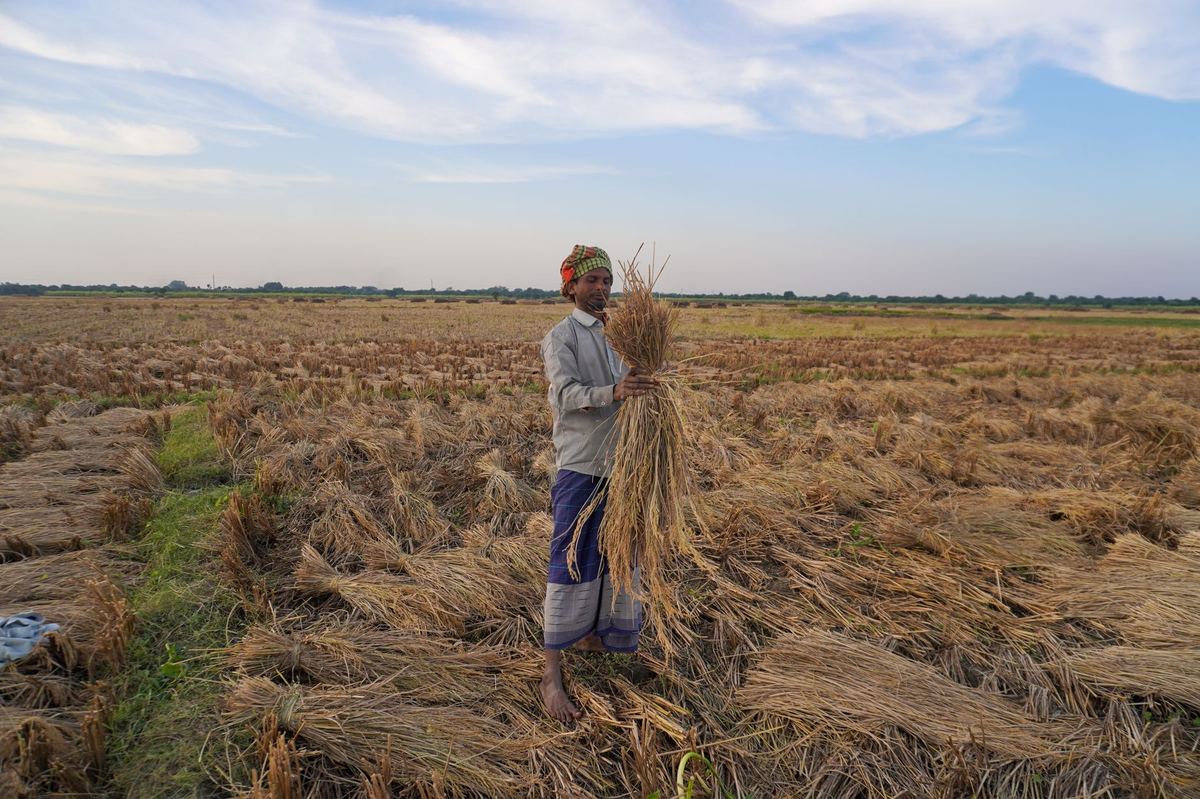
Crop loss from drought, floods, or pest attacks presents a specific administrative challenge under the Paramparagat Krishi Vikas Yojana (PKVY) and Participatory Guarantee System for India (PGS-India). When a harvest is lost, Local Groups must still submit seasonal records on the official portal at pgsindia-ncof.gov.in.
Regional Councils (RCs) often encounter portal rejections when entering harvest yields after total seasonal damage. Entering blank entries or arbitrary figures creates data mismatches. These mistakes can cause unintended conversion status resets for certified farmers.
This guide explains the manual procedure for Regional Councils to submit a formal PGS India crop damage declaration. It details how to record seasonal loss, gather required field inspection documents, and complete endorsements without corrupting certification timelines administered by the National Centre for Organic and Natural Farming (NCOF).
Step 1: Logging Zero-Yield Entries Without Validation Errors
When seasonal output is destroyed, you cannot simply leave harvest quantity fields empty. The portal validates harvest records against registered crop areas. A blank field or unflagged zero quantity often triggers an input error.
Follow these manual steps to complete a pgs portal zero yield entry correctly:
- Log in to your Regional Council account on the PGS-India portal.
- Navigate to the Local Group management section and select the relevant cluster.
- Open the seasonal crop production screen for the affected cropping period (Kharif, Rabi, or Zaid).
- Select the specific farmer and the impacted crop plot.
- Select the crop failure flag rather than entering a standard numerical harvest value.
- Enter zero as the harvest quantity only after checking the crop loss declaration option.
- Select the primary cause of damage from the options provided, such as flood, drought, or pest infestation.
- Save the draft entry and verify that the system registers the record as a declared loss rather than missing yield data.
A declared crop failure must be recorded as an event-linked zero yield. Leaving yield fields blank causes the system to mark the entry as incomplete, blocking seasonal closure.
Step 2: Supporting Documents and Physical Loss Inspection Reports
A crop loss entry on the portal requires verification before Regional Council approval. Documented evidence is what separates a genuine loss from an undeclared non-compliance, so collect it before endorsing.
Before you endorse a declaration, ensure the Local Group provides these documents:
- Joint Physical Inspection Report: Signed by the Local Group leader, peer appraisers, and an assigned field officer.
- Geo-tagged Field Photographs: Clear photos showing standing crop damage across the surveyed survey numbers.
- Local Revenue or Agriculture Department Notification: Official block-level or district-level drought, flood, or pest incidence notices where available.
- Peer Appraisal Summary Sheet: Updated sheets confirming that non-harvest was due to natural damage rather than non-compliance.
For more details on reviewing group-level documentation, refer to our guide on PGS India Peer Appraisal Verification: RC Guide.
Collecting, reviewing, and attaching physical reports for every farmer plot takes approximately 10 minutes per record. For a cluster of 20 farmers, this process takes around three hours. For an RC managing 400 farmers across multiple blocks after severe weather, the verification review requires nearly 67 hours of continuous desk work.
Step 3: Regional Council Endorsement and Conversion Status Protection
A primary concern during crop failure is the risk of a pgs india conversion status reset crop loss. Conversion status follows the organic management of the land, not the size of the harvest: a season lost to weather is not a lapse in practice, provided the farmer kept managing the plot organically and the loss is recorded as a declared event.
Complete the regional council crop loss endorsement pgs india workflow using these steps:
- Navigate to the pending approvals tab under your Regional Council portal menu.
- Open the submitted crop failure batch from the Local Group.
- Verify that the uploaded joint inspection report matches the affected survey numbers and farmer IDs.
- Check the farmer status column to ensure the profile remains in its active conversion stage (such as C1, C2, C3, or Green/Certified Organic).
- Confirm that the endorsement type is flagged as natural disaster or pest damage.
- Submit the final RC endorsement so the loss is recorded against the group's season on the portal.
If the portal prompts a conversion stage change warning, stop the submission immediately. Ensure the natural crop damage flag is marked on each plot record before confirming approval.
Accurate PKVY crop failure reporting protects farmer certification timelines during difficult seasons. Verifying field inspection reports and recording event-linked zero yields ensures that farmers maintain their organic standing without portal rejections.
KrushiFlow validates these fields and submits farmer records to the portal in bulk.