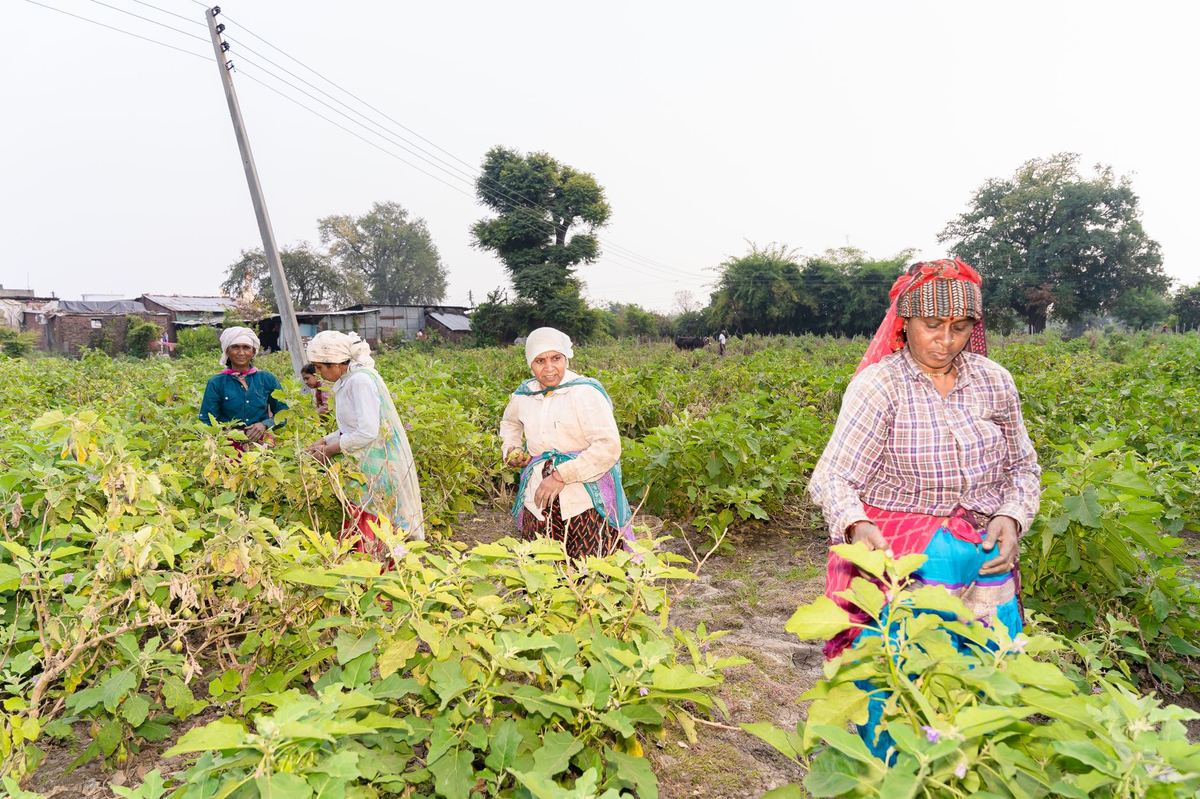
NMNF farmers stay in the scheme only if their cluster and their individual records are renewed each cycle. Doing it as an update — not a fresh registration — keeps each farmer's history intact. This guide covers the manual steps on the portal.
The short version
- Renew the cluster first, then the farmers inside it.
- Update, never re-register, so each farmer's history carries forward.
- Verify land and crops per farmer against current records before saving.
- Submit and track approval and keep every confirmation for audit.
Renew the Cluster
Open the cluster, check its pre-filled details against reality, update what changed and submit it for farmer-level updates.
Menu names on the portal change between versions, so look for the cluster management area and an option for annual renewal or cycle update.
- Log in with your agency credentials and check they allow cluster changes.
- Find the cluster due for renewal, with its status, cycle and farmer count.
- Review pre-filled data: area, villages, contacts and last farmer count.
- Update what changed on the ground, including the implementing agency or CBBO details.
- Submit — the cluster should move to a status that allows farmer updates.
Did you know?Re-registering a farmer instead of renewing them can break the continuity of their record in the scheme. Renewal is an update to the existing profile, not a new one.
Update Each Farmer
Open every farmer's profile, confirm land and crops against current records, clear any open observations and save.
- Open the farmer list for the renewed cluster.
- Verify landholding: plot size, survey numbers and land use, with documents if the portal asks.
- Confirm the season's crops under natural farming practice.
- Clear pending observations from the last cycle — see NMNF peer appraisal data entry.
- Save and confirm the record before moving to the next farmer.
Verifying land, crops and documents takes about 2–3 minutes per farmer. For a 150-farmer cluster that is 5 to 7.5 hours of work, repeated every renewal cycle.
If the portal reports that an operation is blocked because the group is inactive, finish the cluster renewal first, then return to farmer records.
Submit and Track Approval
Submit the renewed cluster once every farmer is updated, then track approval and keep the confirmations.
- Return to the cluster and check its farmer count matches your records.
- Submit the annual renewal and review the confirmation carefully, especially the new cycle dates.
- Track approval by the Regional Council or administering body.
- Keep records of submission dates and confirmations for audits.
Check yourself
Tap an answer to see whether you are right, and why.
What should you renew first?
- Each farmer
- The cluster
- The agency account
Farmer updates are usually blocked until the cluster itself is renewed and active.
Why renew rather than re-register a farmer?
- It is faster to type
- It keeps the farmer's history continuous
- Re-registration is not allowed
Updating the existing profile carries the farmer's record forward into the new cycle.
Remember these things
- Cluster first, then farmers.
- Update existing profiles — never re-register.
- Keep every confirmation for audit.
Renewal is a series of careful updates, farmer by farmer, inside a renewed cluster. KrushiFlow validates these fields and submits farmer records to the portal in bulk.